Create your account and sign in
A free Frontline account is how you run checks and keep your reports.
Why you need an account
You need a free Frontline account to run a Byte Lens check, request a Security Scan, chat with Byte, and keep your reports in one place.
Sign in or create an account
Step 1: Click Sign in in the top right of any page. You will see the Frontline account screen.
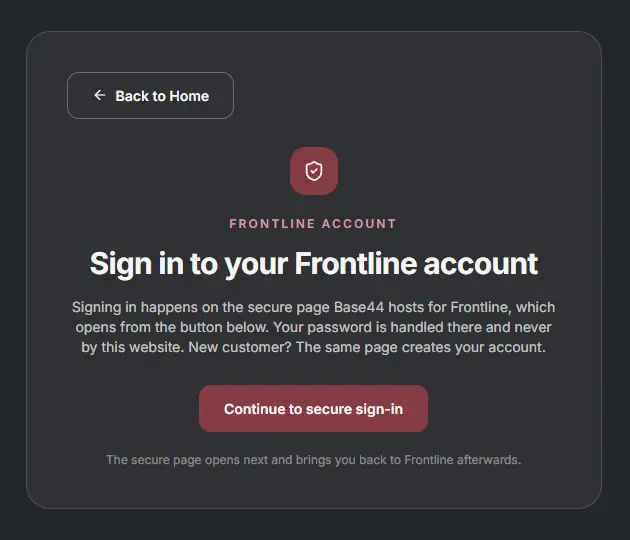
Step 2: Click Continue to secure sign-in. Signing in happens on a secure page our host runs for Frontline, so your password is never handled by our website.
Step 3: Sign in with Continue with Google, or with your email and password. New here? Click Sign up at the bottom to create your account.
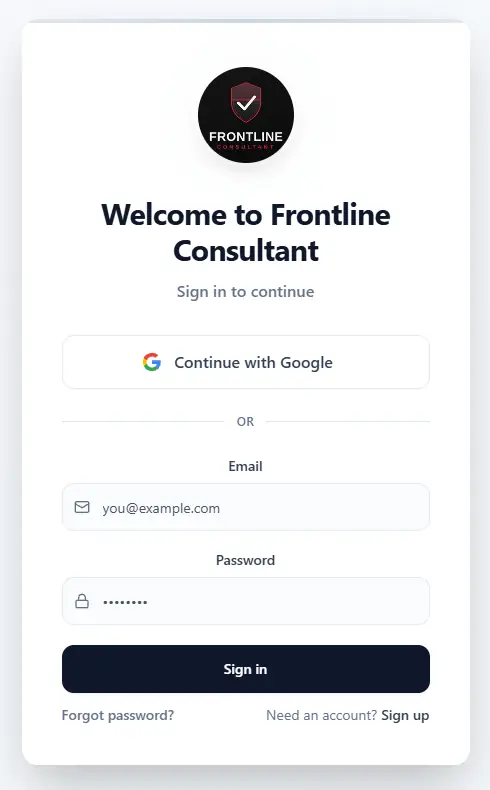
Step 4: You land back on Frontline, signed in, with your dashboard ready.
More in Getting started